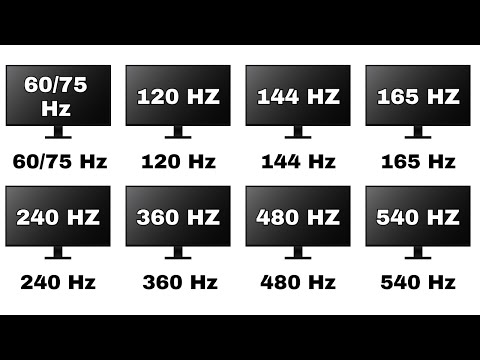
Monitors can get really confusing — 60Hz, 75Hz, 120Hz, 144Hz, 165Hz, 240Hz, 360Hz, 480Hz, 540Hz… what do all these numbers even mean? In this video, we’ll break down every refresh rate monitor in the simplest way possible for beginners. Whether you’re into gaming , productivity , or just want to know if higher Hz is worth your money , this guide will explain it all.
Timestamps:
0:00 – Intro
0:26 – 60/75 Hz
1:18 – 120 Hz
2:05 – 144 Hz
2:55 – 165 Hz
3:46 – 240 Hz
4:40 – 360 Hz
5:30 – 480 Hz
6:12 – 540 Hz
7:02 – Outro
Music used in the video:
The Success by Keys of Moon |
Music promoted by
Attribution 4.0 International (CC BY 4.0)

Every aspect ratio on monitors is out right now!! Go and watch it guys
https://youtu.be/By3Kwpx39Hs
MOTION BLUR HAS NOTHING TO DO WITH REFRESH RATE; CRT monitors NEVER had motion blur, no matter what refresh rate they used. Get your ideas together. It has to do with the “sample and hold” operating principle of modern flat panel displays.
i got 180hz
I have a 180 hz monitor why isn’t it showing
I like these kinds of videos but all the AI involved just PISSES me off.